
Appearance
Blazor Starter Project
An AI-friendly starter project for building browser games with the Blazor web framework.
An AI-friendly starter project for building browser games with the Blazor web framework.
The Blazor starter project is an AI-friendly starting point for building games with the Blazor web framework. The games compile to WebAssembly and run in the browser with no game engine. It is also the base of the Blazor samples, Sticky Paws, Table Stakes and Ninja Time Trial (Sample Projects): their project structure, shared code, tools and test harness are the starter project's.
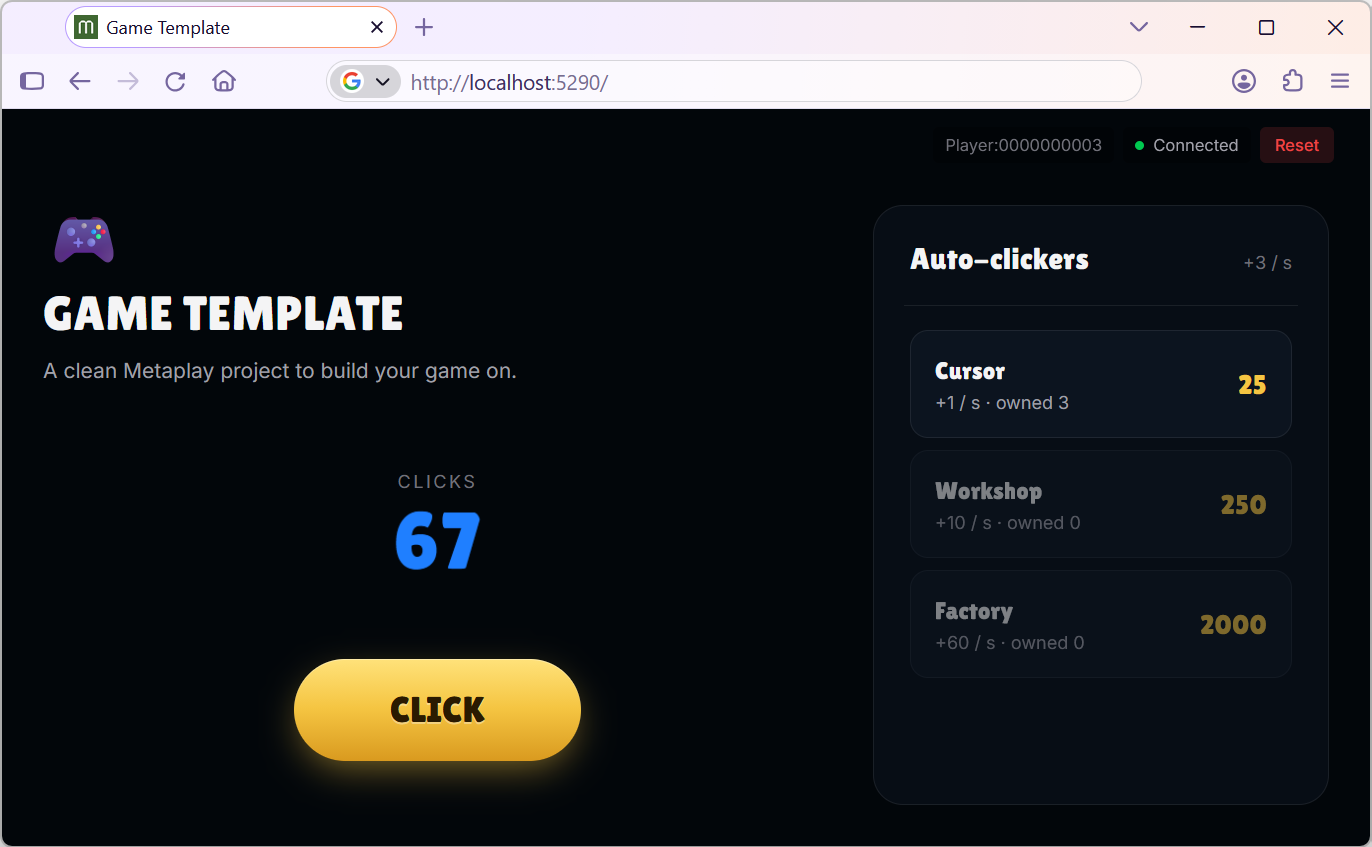
Because the game runs in the browser, players open a link and play without installing anything. Without an engine, the client is a regular web app built with C# and HTML. It builds fast and uses standard .NET and web tools that both developers and coding agents already know, so iteration is fast whether you or an agent makes the change. The whole stack is C#, and the same game logic runs on both the client and the game server.
The starter project is built for agentic development, and you choose how much of the work the agent does:
The starter project contains a small clicker game: the player clicks a button to earn clicks and spends them on auto-clickers that keep earning while the player is offline. It is there to be replaced with your own game.
SharedCode/) - Player state and actions that run on both the client and the serverWebClient/) - Blazor WebAssembly app for desktop browsersBackend/) - Metaplay game serverGameConfigSource/) - Tunable values as CSV files, one file per config entryEvery part of the example game is marked with a TODO: Example content, replace with your own. comment that says what to delete and what to keep.
You need the Metaplay CLI, a Metaplay Portal account and a Metaplay Cloud project for your game. Create an account and a project in the Metaplay Portal if you do not have them, then sign in to the CLI with metaplay auth login. The CLI uses your account to download the Metaplay SDK and to deploy your game to the cloud.
Start your coding agent in an empty directory for the project and give it a prompt like this:
Build a game using Metaplay.

Find the detailed instructions in:
https://github.com/metaplay-shared/blazor-starter-project/blob/main/AGENTS_GETTING_STARTED.md

Here is the game I want: <description of the game>
The agent copies the starter project, downloads the Metaplay SDK, and gets the game running. It stops and asks you when it needs you, for example to make a decision about the game.
After that, keep working with the agent hands-off or one reviewed step at a time. The starter project's AGENTS.md tells the agent how to build, run and test the project, and the Metaplay Agent skills give it expert knowledge of the SDK.
metaplay init sdk in the project root to download the Metaplay SDKprojectID in metaplay-project.yaml and as projectId in SharedCode/GlobalOptions.cs, and its name as projectName in SharedCode/GlobalOptions.csmetaplay dev server in the project root to start the game serverdotnet run --project WebClient/WebClient.csproj in another terminal to start the web clienthttp://localhost:5290 and click the button to earn clicksYou can host your game in Metaplay Cloud. Players open the web game from an environment's URL. Your Metaplay Cloud project can have multiple deployment environments, such as one for development and one for production, each hosting its own version of the game. You manage the environments in the Metaplay Portal.
Add your environments to metaplay-project.yaml with metaplay update project-environments, then build and deploy the game server and the web client:
Build the game server image
metaplay build imageBuild the web client
dotnet publish WebClient/WebClient.csproj -c ReleaseDeploy the game server
metaplay deploy serverDeploy the web client. The CLI prints the URL to the game.
metaplay deploy webclientFor the agentic deployment flow, see AGENTS_FIRST_DEPLOY.md in the starter project.