
Appearance
Metaplay Sample Projects
Metaplay publishes a collection of sample projects that demonstrate the SDK's features.
Metaplay publishes a collection of sample projects that demonstrate the SDK's features.
Metaplay's sample projects fall into two broad groups:
The Hello World, Wordle, Idler, Sticky Paws, Table Stakes, and Ninja Time Trial samples are in the metaplay-shared/samples repository on GitHub. Trash Dash and Orca each have their own repository, linked from their sections below.
Looking to integrate Metaplay? Check out the Getting Started guide for a quick introduction to the SDK and how to get started.
This is the tiny, friendly starter that gets you from zero to a running Metaplay scene. Open the project, press play, and you'll see how the Metaplay client, shared code, and backend all connect without any of the extra noise. We use it to initialize new projects when running the metaplay init project command.
For more information, see the Hello World Sample documentation.
Follow the Trash Dash tutorial to see how to integrate Metaplay into an existing Unity game. Starting with Unity's TrashDash endless runner sample, you'll add game configs, player segmentation, A/B experiments, dynamic events, and a custom dashboard. This tutorial shows the complete LiveOps workflow from basic integration to production-ready features.
You can also view the completed sample project if you want to jump to the final result, or browse the Trash Dash source on GitHub.
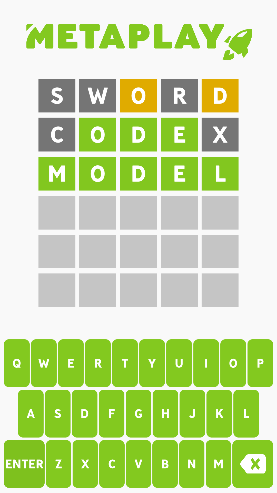
Follow the Wordle Tutorial if you like learning by doing. It shows how to make a simple game (a Wordle clone) from scratch using Metaplay. You’ll build up features gradually, so it’s great when you want a guided, step-by-step walkthrough.
You can either follow the tutorial steps or browse the completed sample source on GitHub.
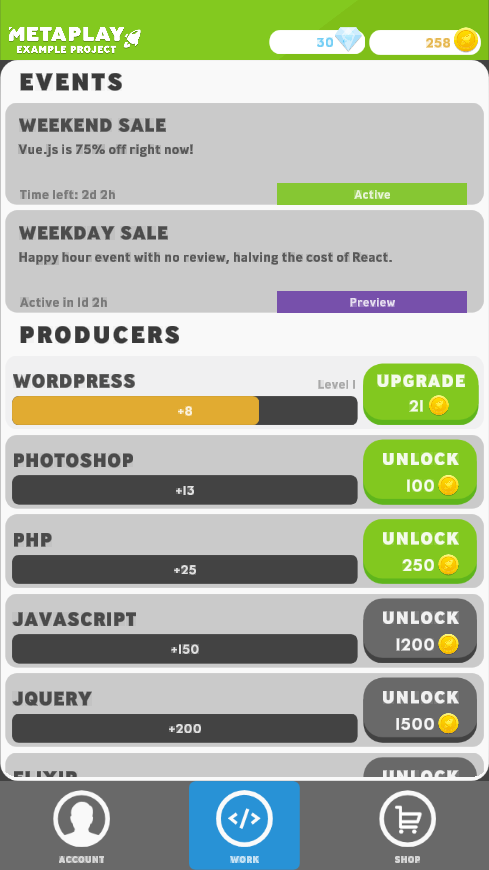
Idler is a testing ground for Metaplay features. A complete live-service example that covers leagues, events, in-game purchases, analytics, party systems, and a highly customizable dashboard. Use it when you want to see how all the moving parts fit together in a simple idle game. For more information, see the Idler Sample documentation.
You can browse the Idler source on GitHub.
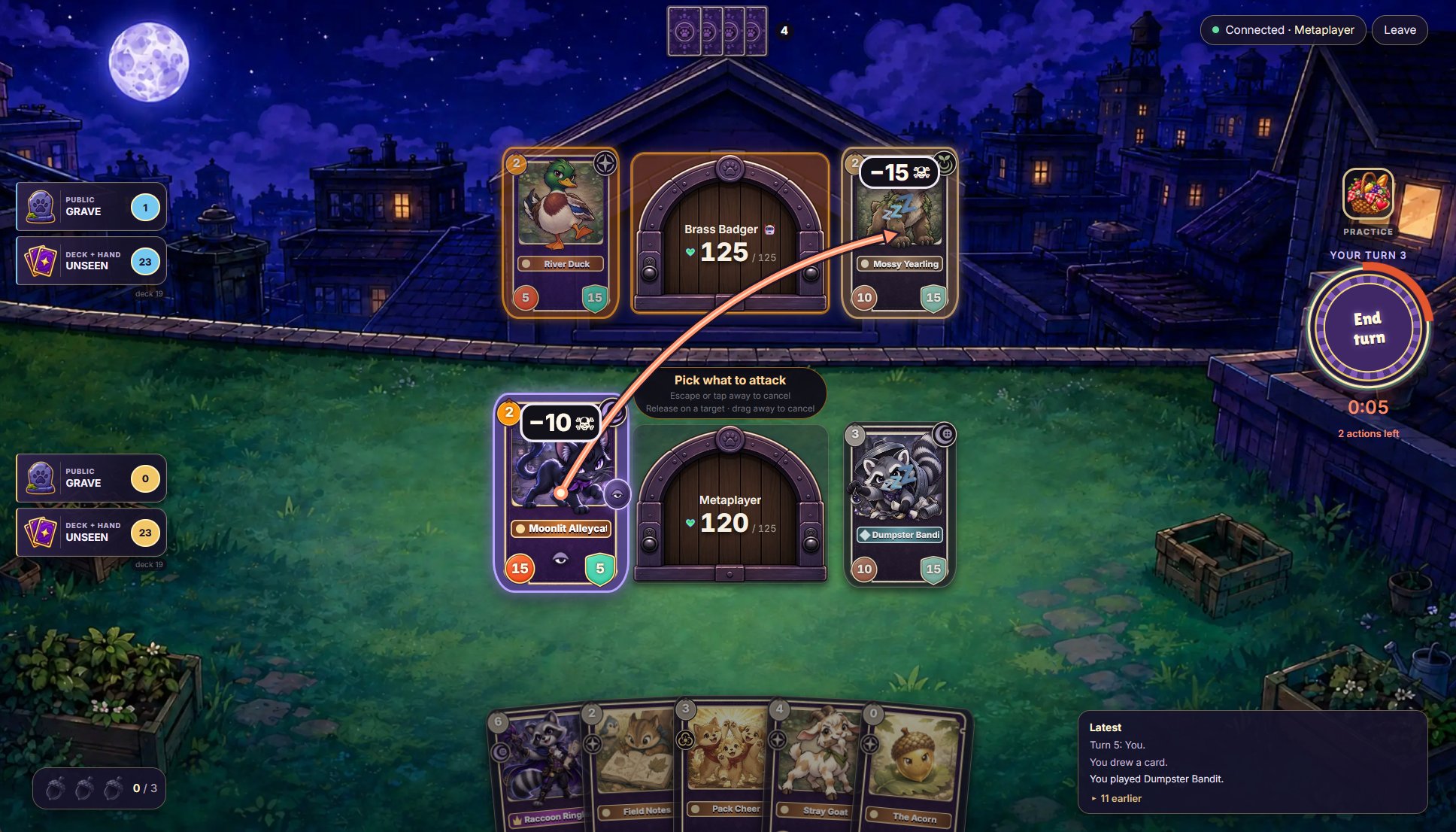
Sticky Paws is a player-versus-player collectible card game whose client runs entirely in the browser as a Blazor WebAssembly app, with no Unity project. It shows a server-authoritative multiplayer match with a private hand for each player, matchmaking with bot fill, a post-match economy that moves a card rank from one player's account to the other's, bots and self-play testing, and a custom dashboard.
The game itself is deliberately minimal: its cards exist to exercise these systems, and a real game would build its own mechanics and card synergies on this foundation. Browse the Sticky Paws source on GitHub; its README covers what it demonstrates and how to run it.
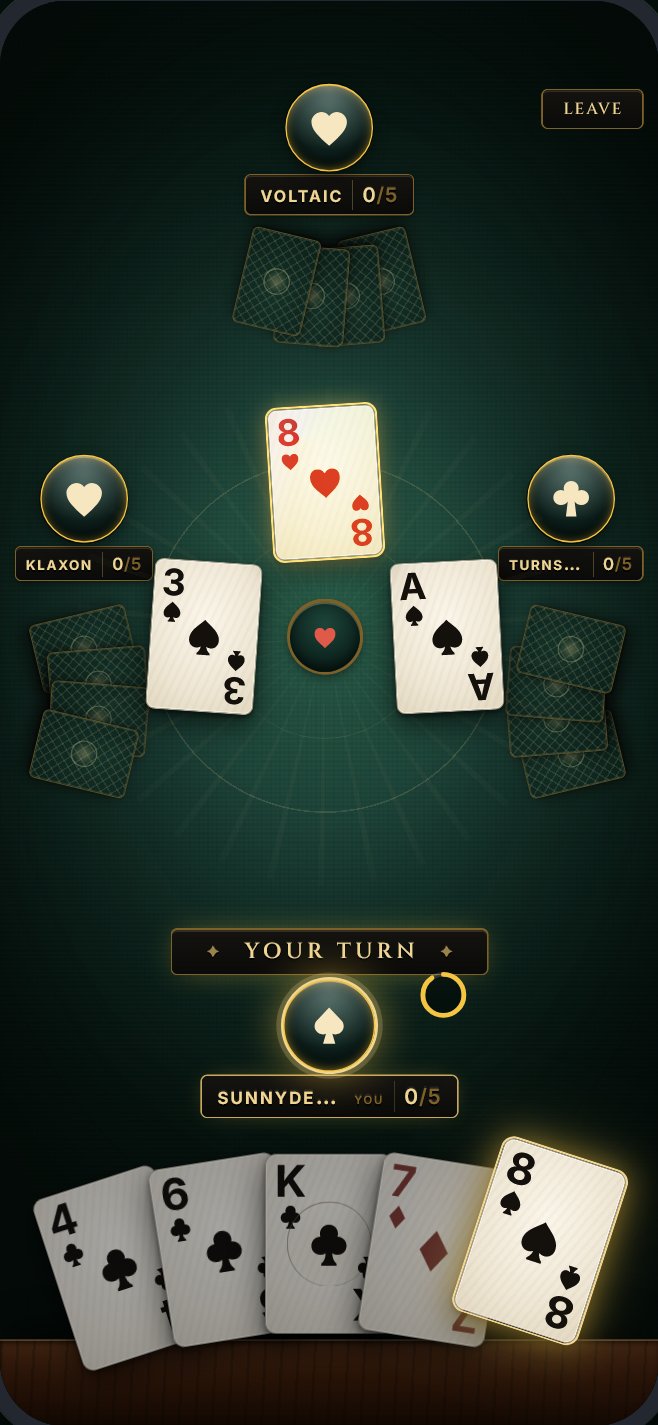
Table Stakes is a realtime trick-taking card game for four players whose client runs entirely in the browser as a Blazor WebAssembly app, with no Unity project. It shows a realtime match on a multiplayer entity that keeps each player's hand secret, a matchmaker that seats four players within seconds and fills empty seats with bots, and bots that take over when a player disconnects or stops playing. Around the card game it builds live-service features on LiveOps Events, Leagues, MetaOffers and player segments, with game configs authored as CSV sheets, a custom dashboard, and tests up to browser tests against a real server.
The project was written primarily by AI from specs, people have only spot-checked it, and it has not been load tested beyond small bot client runs. Browse the Table Stakes source on GitHub. Its README lists the known issues to read before copying a part of the sample into a game, and how to run it.
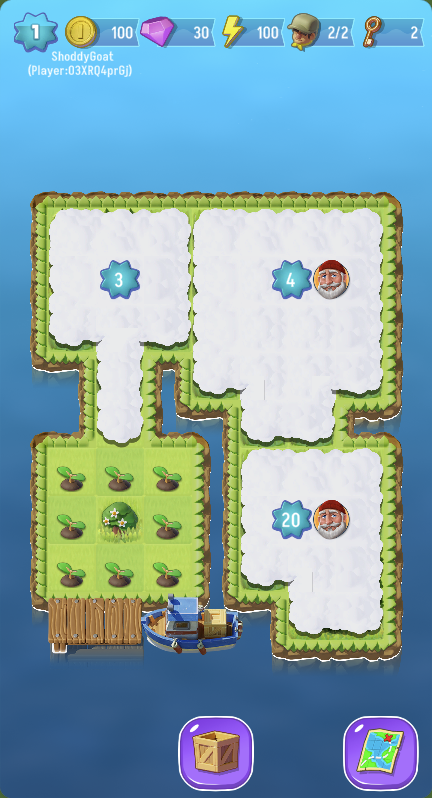
Orca is a real merge-2 game developed on Metaplay and open-sourced by Zaibatsu Interactive for demo use. It shows the same live-service features as Idler but tailored to merge gameplay: custom dashboards, extensive game configs, data-driven design, and the kinds of systems a casual mobile game needs.
If you’re building a merge-style game or want to see how a full game can be built on Metaplay, Orca is a good place to start. The docs are available at Orca Sample and you can browse the Orca source on GitHub.
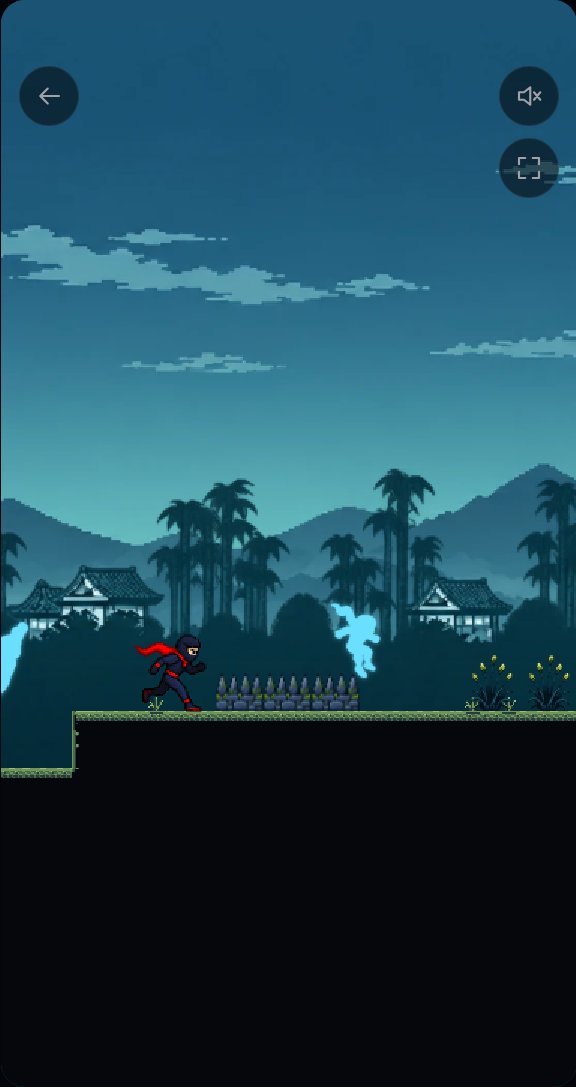
Ninja Time Trial is a one-button autorunner whose client runs entirely in the browser as a Blazor WebAssembly app. It shows how a conventional fast-paced real-time game is integrated with a Metaplay backend. The run is simulated on the client at 60 Hz with no server round trips. The server validates the finished run afterwards and rewards the player. The sample also shows per-course ghost pools that collect accepted runs and pick each run's opponents.
Use it when your game has real-time gameplay that cannot be expressed as player actions but whose outcome the server still needs to validate. Browse the Ninja Time Trial source on GitHub. Its README explains how a run is validated, what recomputation does and does not prove, and how to run the sample.