
Appearance
Integrate Metaplay Into an Existing Game
A tutorial on how to integrate Metaplay into an existing Unity Game.
A tutorial on how to integrate Metaplay into an existing Unity Game.
When integrating Metaplay into an existing game, we recommend an incremental adoption of our features. This lets you focus on a few quick wins, for example our LiveOps features, without having to refactor existing game logic.
In this hands-on tutorial we will integrate Metaplay into Unity's Trash Dash sample game. Trash Dash is a simple endless runner game with a local save file and no prior online features. It's simple enough to be easy to understand while still having enough substance to showcase more complex interactions.
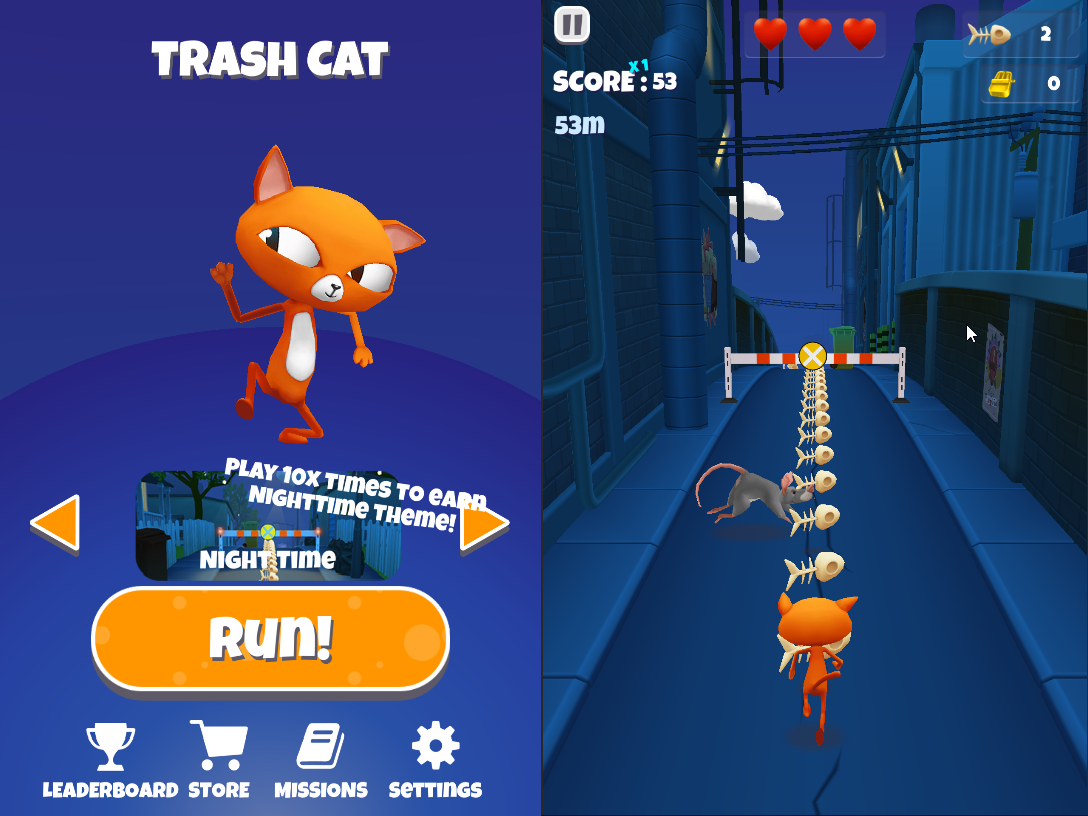
We intentionally avoided any extensive refactoring or even cleanup of the sample project's structure, as you are unlikely to have the luxury of time for that when working on live games. Of course, the scope of this integration tutorial is just a starting point for adopting what we feel is the true value of Metaplay: a cheat-proof game economy that, from a game design point of view, enables our long-term progression, monetization, and social features.
TIP
The complete integrated sample project is available in the Trash Dash Sample Project page, including setup instructions and ways to explore the code.
For the Trash Dash sample, we decided to focus on the following goals for the initial integration:
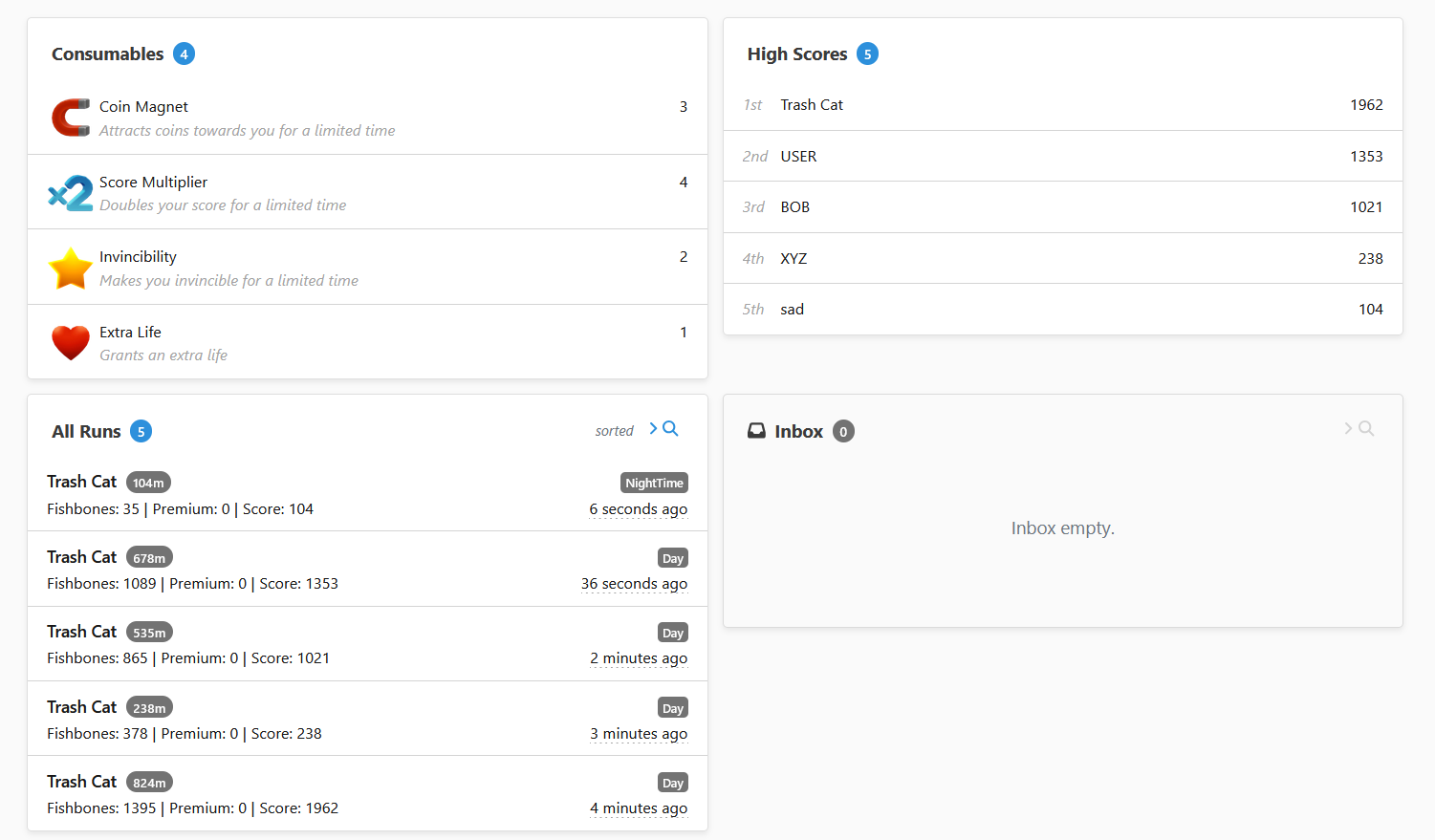
While implementing the above, we also want to keep the following long-term goals in mind:
Now that we have goals in mind, we can map out the integration steps needed to get there.
To keep the tutorial concise, we’ve prepared by setting up access to the game we’ll be migrating along with its project in the developer portal. Of course, you can use your own game to follow along if you prefer.
The integration process goes through minimal setup of the core SDK, and implementing the specific LiveOps features we want to use.
After the initial integration is complete, we will add a bit of extra polish to make the resulting sample more interesting to look at and prepare it for next steps beyond this tutorial.
At the end of the tutorial, the endless runner will have been converted into a game that uses Metaplay for remote configuration, player segmentation, experiments, and scheduling LiveOps events.